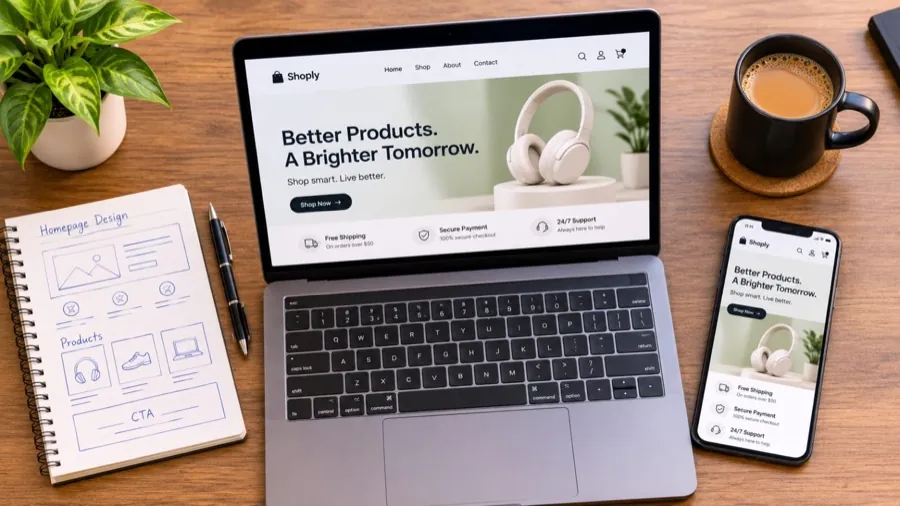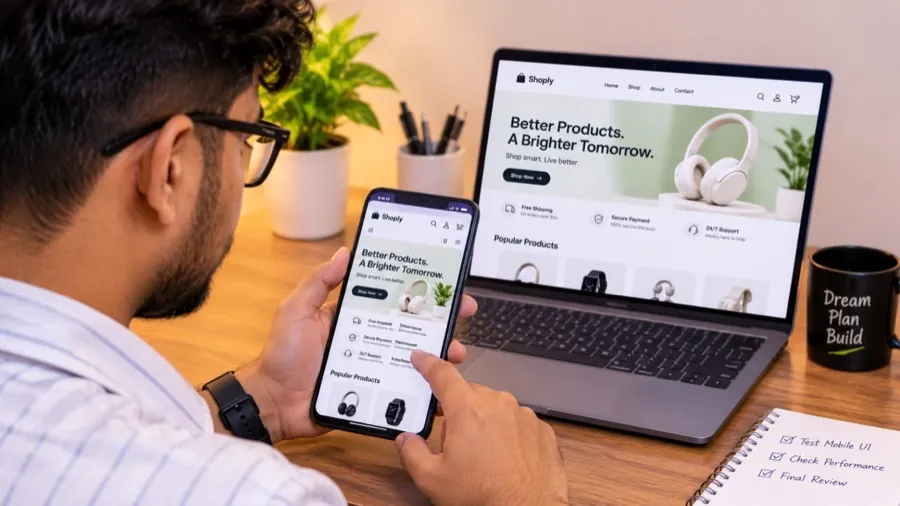
Launch day should feel exciting, not nerve-racking. The best way I know to get there is a proper QA pass, done calmly a few days before launch rather than in a panic the night before.
This is the checklist I use. Feel free to steal it.
1. The money path
This is the part I test first and most thoroughly.
- Add a product to the cart from the product page, the collection page and quick view (if your theme has it).
- Change variants (size, colour) and quantities in the cart.
- Place a real test order with every payment method you offer.
- Apply a working discount code, an expired one and a made-up one. The messages should make sense.
- Check taxes and the final total against what you expect.
- Refund or cancel the test order and confirm everything updates correctly.
2. Shipping
- Shipping rates for each region you sell to.
- Free-shipping thresholds kick in at exactly the right amount.
- Heavy or bulky products get the right rate.
- Local pickup or delivery, if you offer it.
- Countries you don’t ship to are handled gracefully.
3. Emails customers receive
Customers judge your brand by these more than you’d think.
- Order confirmation, shipping confirmation and delivery emails show your logo, colours and correct details.
- They look right on a phone.
- Links inside them work and go to the right pages.
- The reply-to address is one you actually check.
4. Every device, every browser
- iPhone (Safari) and Android (Chrome), at minimum.
- A tablet, in both portrait and landscape.
- Desktop: Chrome, Safari, Firefox and Edge.
- Menus open and close on mobile.
- Nothing important is hidden behind the phone keyboard on forms and checkout.
- Buttons are big enough to tap with a thumb.
5. Content and details
- No placeholder text (“Lorem ipsum”, “Your text here”) anywhere, including the footer and policies.
- Product titles, prices and descriptions are correct and consistent.
- Every image has alt text (good for accessibility and Google).
- Policies are filled in: refunds, shipping, privacy and terms.
- Contact details are correct and the contact form actually sends.
- The 404 page looks good and helps people find their way back.
6. Search, filters and navigation
- Search finds products by name, type and common misspellings.
- Collection filters and sorting work and don’t show empty results.
- Every menu link goes somewhere real. No broken links.
7. Speed and SEO basics
- Homepage and product pages load quickly on mobile data.
- Page titles and meta descriptions are written, not left as defaults.
- The store is not still password-protected (it happens more than you’d think).
- Analytics and any tracking pixels are installed and firing.
8. After launch
QA doesn’t stop at launch. In the first week I watch for:
- abandoned checkouts that look unusual,
- customer messages about anything confusing,
- errors in the first real orders.
Small issues caught in week one are easy to fix. The same issues ignored for a month become lost revenue.
It looks like a lot, but going through it properly usually takes a few focused hours. It’s the best few hours you can spend before launch. If you’d rather hand it over to someone who does this every week, I’m happy to help.

Shopify consultant, developer and tester. I build Shopify stores that look great, load fast and are tested before a single customer sees them.
Want a store that sells more?
Let's talk about your Shopify store. The first meeting is free, with no obligation.
Book a Free Meeting